Delete — and it will disappear from OneDrive too. But only until September 2026
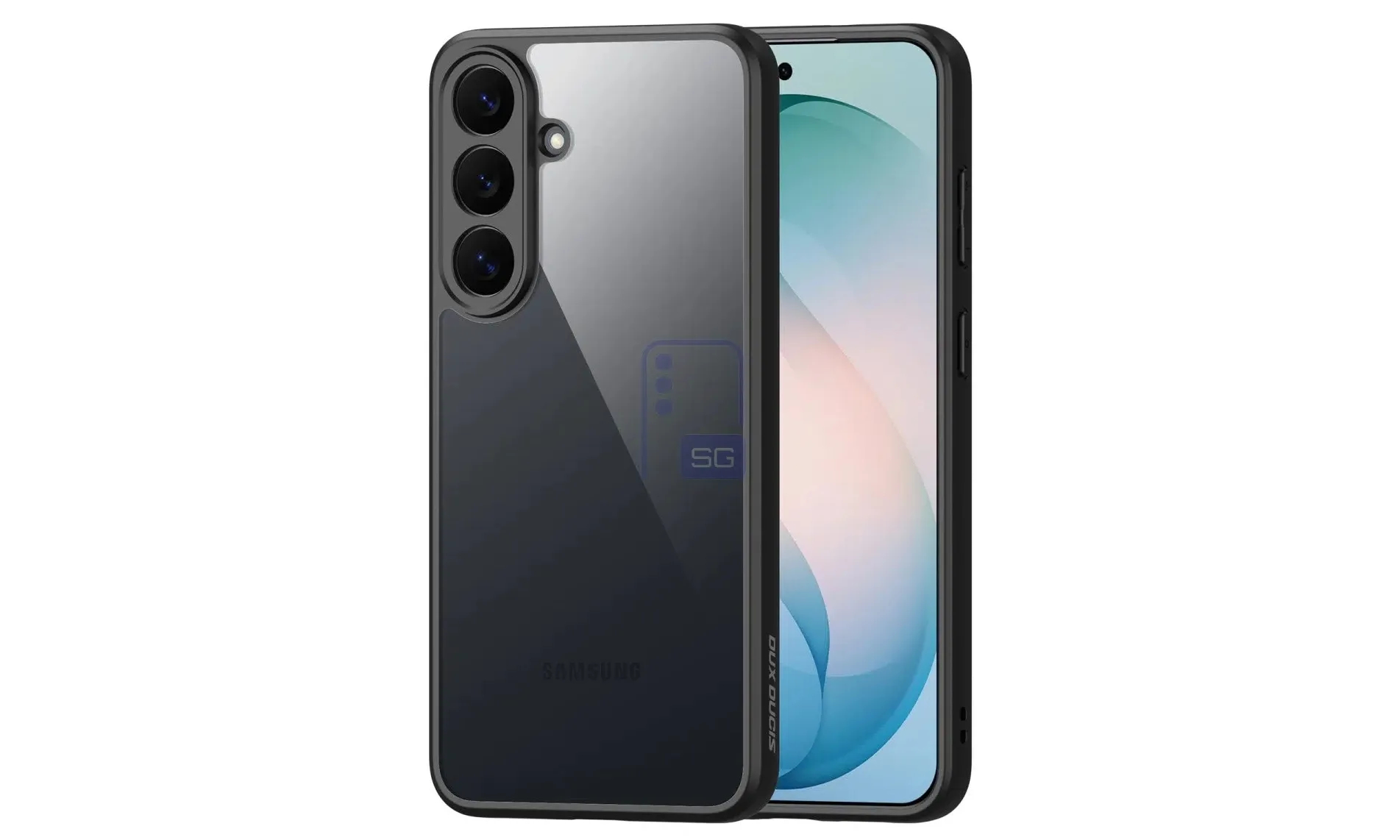
Samsung and Microsoft are removing the built-in Gallery synchronization with OneDrive. It's not a disaster, but there's one behavioral nuance that few people know about: after switching to a separate application, deleting photos from your smartphone will no longer erase them from the cloud.
By Tetiana Suchkova-Ladik
May 26, 2026 · 2 min read
Starting September 30, 2026, Samsung Galaxy smartphone owners will lose the ability to sync photos directly from the Gallery app to OneDrive. This is officially announced on Microsoft's support page. New users will not be able to enable the integration after this date; those who already use it need to manually set up backup through a separate OneDrive application.
What's actually changing — and what isn't
OneDrive backup isn't going anywhere. As Gadget Hacks notes, only the built-in shortcut in Gallery is disappearing. Today, Gallery and OneDrive work as a linked pair: photos appear in both places automatically, without any additional app. After September 30, Gallery will show only local photos, while OneDrive will show only what its own Camera Backup module uploaded.
There's one practical nuance worth knowing before the transition. With the old integration, deleting a photo in Gallery automatically deleted it from OneDrive too. The new mode doesn't work that way: files uploaded via Camera Backup remain in the cloud regardless of what happens on the device. For those who've ever lost a photo due to accidental deletion, this is a better model.
Samsung's direction
According to SamMobile, the change is related to Samsung's return to its own Samsung Cloud service as the primary backup option in Gallery. The partnership with Microsoft in the form of built-in integration, which existed for several years, is effectively giving way to the brand's own ecosystem — or manual selection of a third-party service.
What to do before September 2026
- Install the OneDrive application and enable Camera Backup — photos and videos will continue to be saved to the cloud automatically.
- Check what's already been saved. Photos uploaded through the old integration remain accessible in OneDrive, but to access them after the deadline, you'll need the app itself, not Gallery.
- Check your storage limit. Microsoft provides 5 GB for free — if your archive is larger, you should decide on a paid plan or an alternative (Google Photos, Samsung Cloud) before September.
"OneDrive photo backup doesn't end on September 30. The built-in Gallery shortcut does."
Gadget Hacks
If Samsung is indeed promoting its own Samsung Cloud as a replacement, the key question is whether the new integration will be free in the same capacity as OneDrive is now. If the limit turns out to be smaller or paid from the first gigabyte, some users will simply switch to Google Photos — and certainly not toward Samsung's ecosystem.